

文件一

官方GitHub地址:https://github.com/vastsa/FileCodeBox
docker-compose.ymlname: filecodebox
services:
filecodebox:
restart: always
ports:
- 8080:12345 #左边的8080可以随意更改成服务器上没有用过的端口
volumes:
- ./data:/app/data
container_name: filecodebox
image: lanol/filecodebox:beta
管理面板
- 访问
/#/admin - 输入管理员密码
FileCodeBox2023 - 管理文件和配置
文件二、
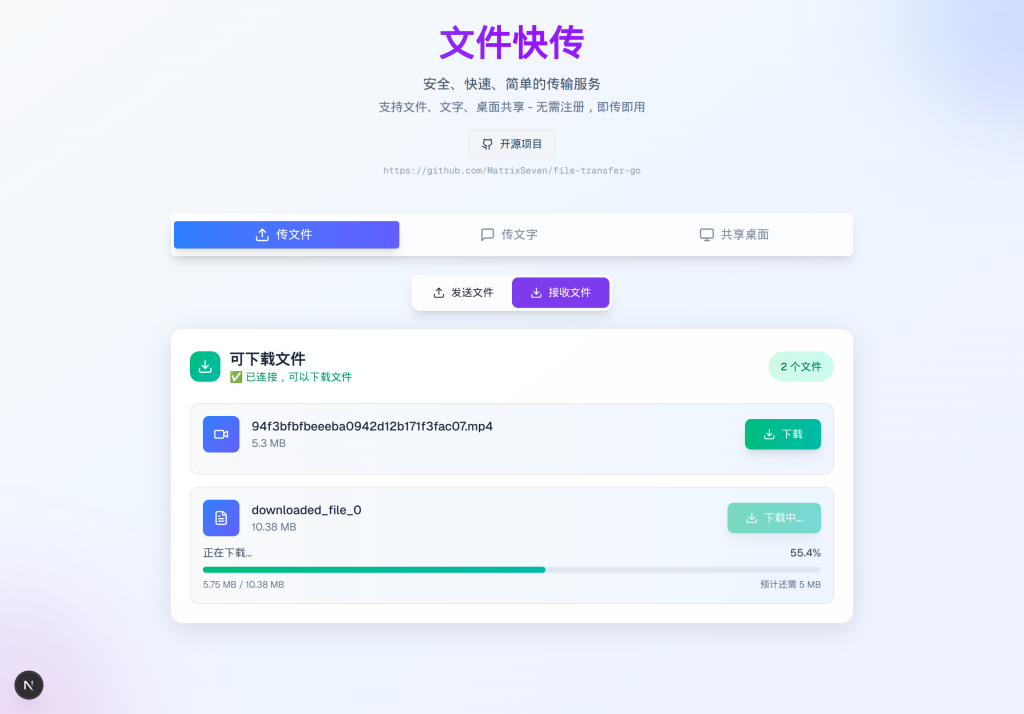
GitHub – MatrixSeven/file-transfer-go: Go/React开发的端到端webrtc的文件传输/文字传输/桌面共享,安全,隐私,数据不经过服务器。
📦 快速部署
方式一:Docker 一键部署(推荐)
# 使用 Docker Compose(最简单)
git clone https://github.com/MatrixSeven/file-transfer-go.git
cd file-transfer-go
docker-compose up -d

# 或者直接使用 Docker 镜像
docker run -d -p 8080:8080 --name file-transfer-go matrixseven/file-transfer-go:lates
方式二:本地构建部署
git clone https://github.com/MatrixSeven/file-transfer-go.git
cd file-transfer-go
./build-fullstack.sh
./dist/file-transfer-go
访问 http://localhost:8080 开始使用